 rtv-mp
Voice chat, scenarios, scripting, and optimizations.
Proximity voice chat, world updates about 90% smaller, hits that account for latency, and a full scenario system with Lua scripting.
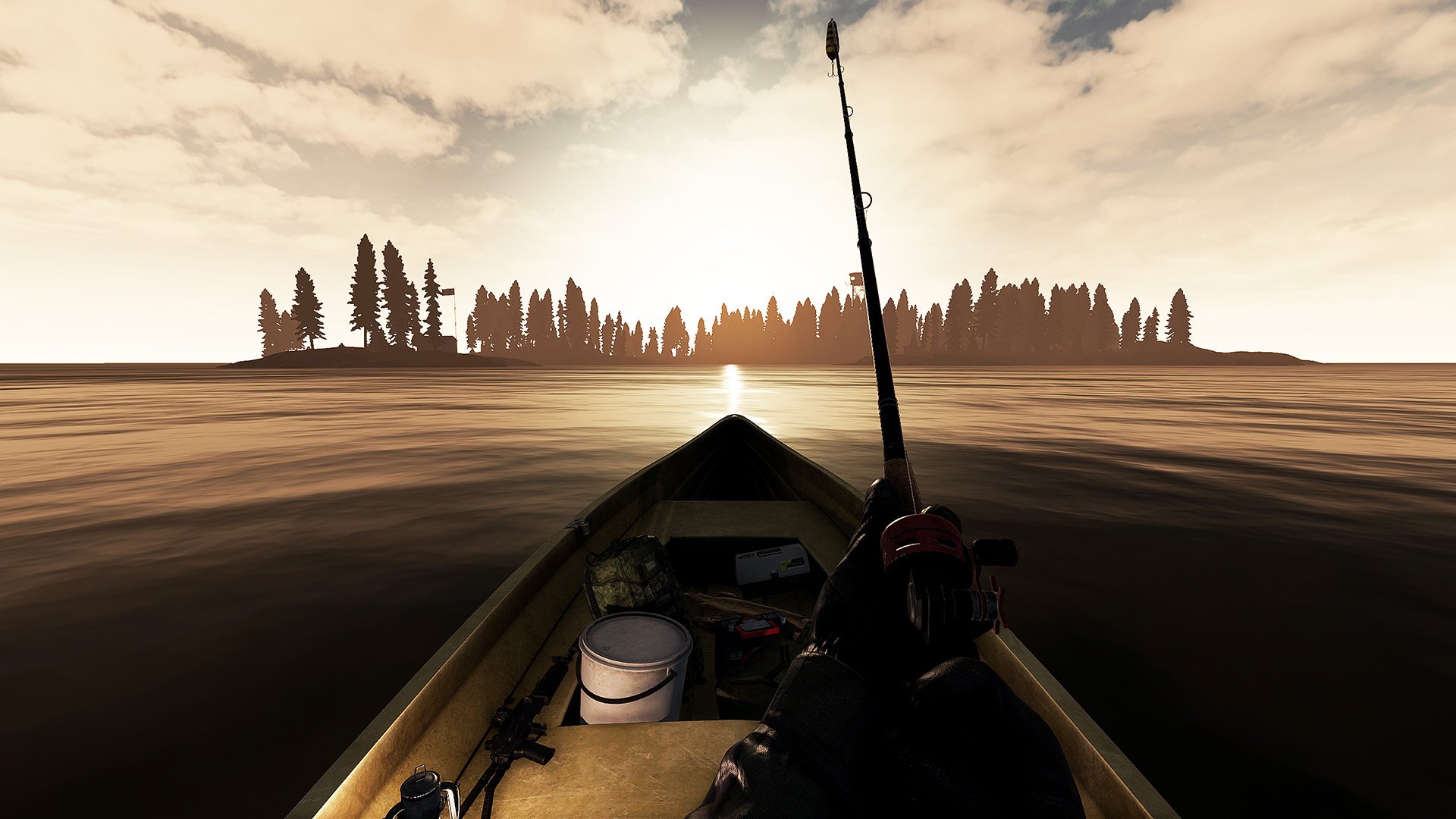
0.7.1 is our biggest update so far. Players get proximity voice chat and shots that account for latency, and the server sends far less data. Behind the scenes there is extra server-side protection and a complete scenario system that lets server owners change how the game plays with data files and Lua scripts. This post covers everything since 0.7.0. The measurements below come from controlled stress tests.
Updating
0.7.1 works with Road to Vostok 0.2.3.1, the same game version as 0.7.0. The network protocol is now version 16, so the mod and the server must both be on 0.7.1. A player on an older mod is turned away when they try to join, and a server on an older version rejects the new mod.
Proximity voice chat
Hold push-to-talk and the players near you hear you. Voice is positional: it comes from where the speaker is standing, gets quieter with distance, and stops at the server’s voice range, which is 40 metres by default and can be set from 1 to 500. Players outside that range, in another area, or who are dead or still loading never receive it.
- Push to Talk is a normal game control, added at the end of Input Settings. It defaults to B and can be rebound like any other key.
- The game’s Settings screen has a new Voice Chat section with a Voice Volume slider (0 to 200%) and a Microphone picker.
- The server decides who may speak. A player who is muted by the moderation tools is silent in voice as well as in chat. For now there is no per-player mute on the listening side.
- The server never decodes or stores audio. It checks that the speaker is allowed to talk, works out who is close enough to hear, and forwards the compressed audio unchanged.
- Audio is 16 kHz mono compressed to about 64 kbit/s per speaker. Every 20 ms frame carries everything needed to decode it, so a lost packet costs a short blip instead of the rest of the sentence, and a small adaptive buffer smooths out network jitter.
- Hosts can turn voice off, change the range, and adjust the rate limits in
server-settings.json.
Voice is light on bandwidth. One person talking sends about 8 KB/s to each player in range, so ten people talking at once next to you is roughly 85 KB/s down. Windows and Linux work with no extra setup. On macOS the game app needs microphone access enabled.
Scenarios: change the game with data files
A scenario is a folder next to server-settings.json that holds the rules of a server: loot, AI, events, seasons, loadouts and more. Server owners can run a vanilla-style world, a hardcore variant or a custom mode by editing files, with no code and no rebuilding. The built-in default scenario reproduces the previous behaviour.
scenario.jsonselects the base scenario, the maps and the starting area.globals.jsoncontrols loot refresh and AI and Nomad caps per map.world.jsonconfigures the shared clock, seasons, weather and Nomad refills.players.jsondefines new-character and respawn loadouts and the map-edge arrival groups.ai.jsontunes the AI director.events.jsoncontrols event chances, intervals, durations, limits and supported positions.loot.jsondefines world loot rolls, item pools, filters, zones and remove, replace and add rules.presets.jsoncontrols generated item condition, ammunition and attachments, andzones/tags regions of each map.economy.jsonkeeps the current roll mode by default, or opts into count-based restocking with item targets, minimums, quantities, lifetimes and usage tags.
A scenario can start from another one and change only what it needs. Every file is checked strictly when it loads: a typo, a bad range or an unknown item stops the server with a message that names the file and the setting. /scenario validate, or the validation command-line tool, checks a scenario without starting the server, and /scenario reload applies most changes live. The new files are validated first, and if anything is wrong the running scenario stays in place. The scenario name, its manifest and the economy mode need a restart.
server-settings.json now keeps only host settings such as ports, capacity, security and voice. A gameplay key that has moved to the scenario files produces a clear error that says which file it belongs in.
Lua scripting
Scenarios can include Lua scripts for custom behaviour. Scripts run in a sandbox on the server, with no file, operating-system or debug access, and time budgets so a faulty script cannot stall the game. They can react to players joining, spawning, dying and leaving, to areas loading, to NPC deaths and to native events. They can add chat commands and timers, spawn and kill NPCs, hand out items and define their own random events. The full reference is in the scripting API docs.
- Hooks cover player join, spawn, death, leave and loadout selection, area load and unload, NPC deaths, and native or scripted event starts and ends.
- Custom events can set eligible maps, chance, interval, minimum players, duration and cleanup behaviour. Admins can validate, start, stop and reload them with the scenario commands.
- The
storesaves plain key-value data across script reloads and server restarts, separately for each scenario. server.broadcast,player:tellandarea:tellaccept optional#RRGGBBcolours.
World updates that are about 90% smaller
Many times a second, the server tells every player where everyone and everything is. Before, each update was a complete JSON snapshot: text listing every entity in view with every field spelled out. With 128 players and 512 AI all in view, one update was about 341 KB before compression and still about 67 KB after, split into 244 network fragments. Because one lost fragment throws away the whole update, big servers were fragile as well as heavy.
We rebuilt the stream from scratch. These are the pieces that add up to the savings:
- Only what changed. Each player acknowledges the updates they have applied, and the server sends only the fields that differ from that last acknowledged state. Someone standing still costs almost nothing. If a player does not have a valid baseline, for example when joining, changing area or after a lost acknowledgement, they get a full keyframe instead of a wrong delta.
- Binary instead of text. Field names and repeated strings are sent once and then referred to by a small number, and values are packed as compact integers instead of text.
- Rounded numbers. Positions and angles are rounded to millimetre precision and sent as integers. Small movements become deltas of a few units that take a byte or two and compress very well.
- Distance-based update rates. Entities beyond 100 metres update every second step and entities beyond 300 metres every fourth, while nearby players always update at full rate. Things you can see up close stay smooth, and distant background detail costs a fraction. Hosts can change these distances.
- Only what is relevant to you. Entities that are too far away or hidden from your view are not sent at all.
- Range coding. The finished packets are compressed again with ENet’s range coder, which suits this kind of data well.
- Fewer, smaller packets. Updates go out 20 times per second, and smaller updates fit in far fewer network fragments, so one lost packet affects much less.
What we measured:
- 128 players and 512 AI all in view: about 67 KB per update with the old JSON stream, about 6 KB now (91% less). The 244 network fragments became 7.
- The same world seen by a viewer who can see a quarter of it: about 18.8 KB became about 1.6 KB (about 91% less).
- A typical-sized case of 32 players and 10 AI: about 6.3 KB became about 0.5 KB (about 92% less), small enough for a single network fragment.
- The server does less work too. Building and filtering updates now runs in parallel, up to eight workers per area, with sending kept in order. On a two-core stress test of a real Village map, the update step for 128 players and 512 AI went from 343 ms to 73 ms, and for 32 players and 10 AI from 5.1 ms to 1.5 ms.
These are stress-test configurations measuring the snapshot work. In practice it means lower data use for players, fewer dropped updates, and room for bigger servers on ordinary hosting.
Hits that account for latency
At higher ping, a shot that looked perfect on your screen could miss, because the target had already moved on the server. The server now takes the shooter’s latency into account and judges the shot against where the target was shown to you when you fired, within limits the server sets so the compensation cannot be pushed too far. AI targets are compensated using the server’s record of which update your client had seen. Compensation for other players’ movement uses a simpler approximation for now. When a connection is too unstable to judge fairly, the server falls back to the plain check.
Stronger protection against cheating
The server now runs additional checks on movement, combat and connections, and it is stricter about what it accepts from clients. We are deliberately not publishing how these work. If you see something suspicious, report it in the Discord.
Changelog summary
v0.7.1Added
- Proximity push-to-talk voice chat with positional audio, plus Voice Volume and Microphone settings.
- A rebuilt world-update stream: acknowledged binary deltas, keyframes, millimetre precision and distance-based update rates, about 90% less data in tests.
- Hit registration that accounts for each shooter’s latency.
- Additional server-side anti-cheat protection. The details stay private.
- Scenarios: layered folders of JSON files for world, loot, AI, events, loadouts, spawn groups and an optional count-based loot economy.
- A Lua 5.1 scripting API for scenarios: hooks, chat commands, custom events, timers, entity handles and saved data.
- Scenario validation with exact error messages, and live reload of scenario files without a restart.
Changed
- Gameplay settings moved out of server-settings.json into scenario files. The built-in default scenario keeps the previous behaviour.
- Updates are built and filtered in parallel, up to eight workers per area.
- Network protocol 16: the mod and the server must both be on 0.7.1.