 rtv-mp
A server browser, working watches, and armor rig fixes
Find Official and Community servers in-game and on the website, read the shared time on your watch again, and put armor plates in rigs.
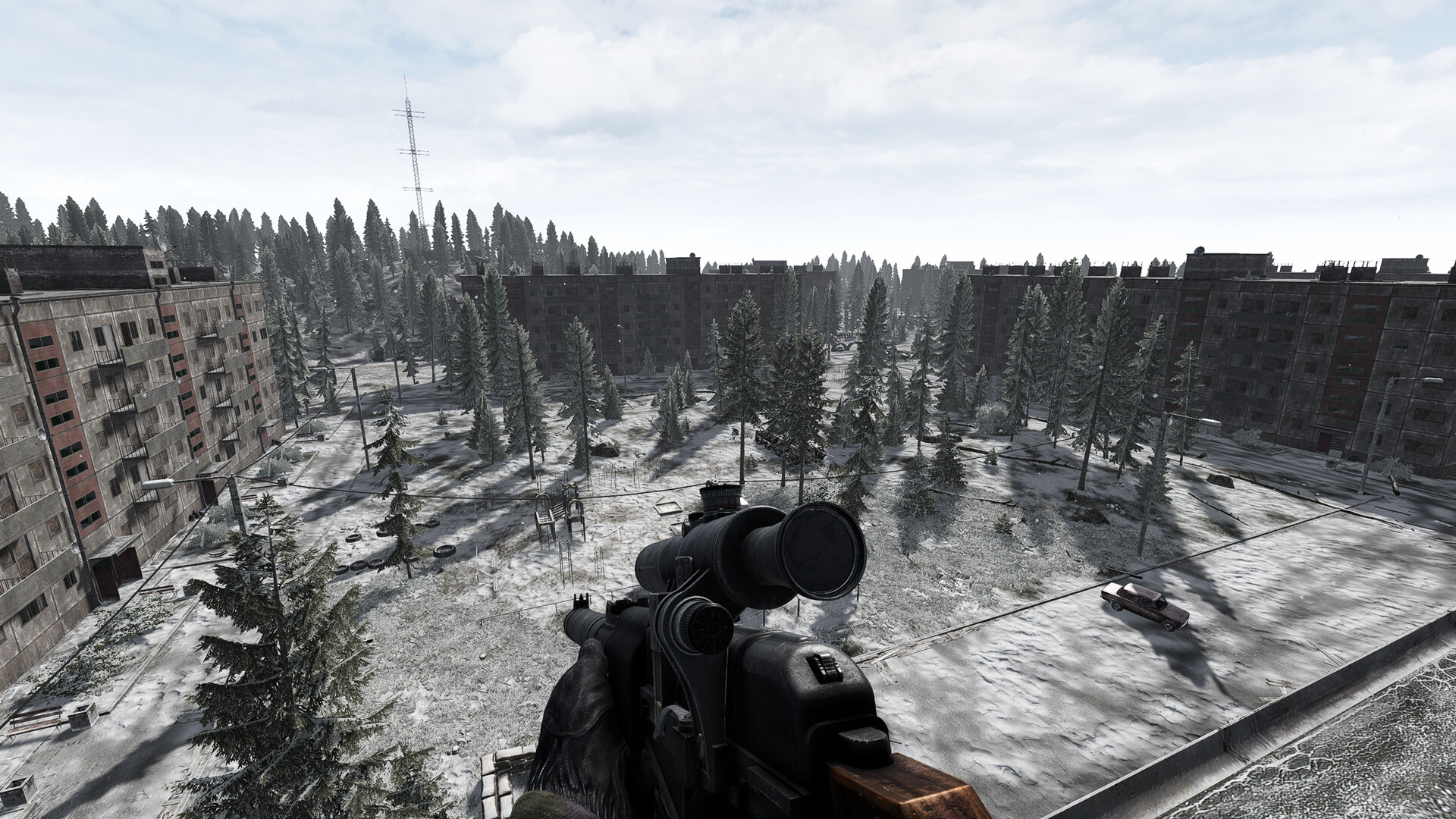
RTV Multiplayer 0.7.18 adds a server browser and fixes the time and date displays on items such as the Tactical Watch, alarm clocks and calendars.
Find a server without copying an address
Open Connect to browse Official and Community servers, search by name, and compare player counts and ping. Click a column heading to sort the list, then click again to reverse the order. Once you find a server, select Join to use the normal connection and password flow.
Each listing shows how many players are connected, the available slots, the world day and time, and the game and mod versions the server requires. Password-protected servers are marked, and the in-game browser highlights incompatible versions before you try to join.
Direct Connect is still there if you already know the address of the server you want to play on.
Browse on the website too
The server list is also available on the website, with Official and Community tabs, search, sortable columns and pages of ten servers. You can compare player counts and locations, then copy a server address to connect in-game.
Watches, clocks and calendars
Items that display the world time or date could show <null> instead of a useful reading. The shared world updates now preserve the values the game expects, so your Tactical Watch, clocks and calendars can display the server’s time and day correctly.
Armor plates and inventory
Worn or broken armor plates could get stuck in rigs when you tried to remove them. Plates now keep their durability when removed or reattached, whether the rig is equipped, in your inventory or in a container.
NPC footsteps and open doors
Moving NPCs now play footsteps at the correct points in their animations, with sounds matched to the surface beneath them, including indoor floors.
AI walking beside a building could get stuck against a swung-open door. They now check nearby detours for obstacles and floor support, step around the door leaf, and resume their route.
Updating
RTV Multiplayer 0.7.18 targets Road to Vostok 0.2.3.1. Make sure you download the update before re-joining.
Changelog summary
v0.7.18Added
- Browse Official and Community servers from the in-game Connect menu or the website.
- Search servers and sort the list by name or player count, with ping sorting in-game and location sorting on the website.
- Server listings show player slots, world day and time, password status, and required game and mod versions.
- The in-game browser checks version compatibility before joining, while Direct Connect remains available.
Fixed
- Time and date displays on watches, clocks and calendars no longer receive invalid world-state values that could show up as <null>.
- Worn and broken armor plates can now be removed from rigs such as the LVPC while keeping their durability.
- Fit armor plates to rigs inside containers, using a plate from your inventory or the same container.
- Inventory corrections no longer restore outdated hydration or mental values.
- NPC footsteps now play during movement, including on indoor floors.
- AI stuck against an open door leaf can find a clear detour and continue along their route.